Be honest: how often did you skip lunch this week? In a work world that rarely slows down, it’s harder than ever to keep teams engaged, fed, and connected, especially when everyone defaults to the “working through lunch” trap. A well-run lunch and learn breaks that pattern, and it’s why so many companies use the format to fold learning, food, and culture into a single 60-minute win.
Whether you’re hosting your first session or scaling a company-wide program, here’s how to plan a lunch and learn your team will show up for. From choosing topics and formats to running it smoothly for both in-office and remote employees, plus why each decision moves the needle.
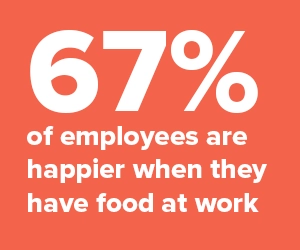
Lunch and learn sessions feed three birds with one stone: they drive employee engagement, keep your team fed and happy, and create real connection across departments.
Research from Gallup shows why this matters: giving employees opportunities to develop, learn, and grow is one of the strongest predictors of engagement. When that learning happens over a great meal from a local restaurant, attendance and morale both climb.
This guide covers what lunch and learn sessions are, the best topics to pick, a sample agenda you can follow, the most common pitfalls, and how to run them for virtual and hybrid teams. Let’s get started…

A lunch and learn is an informal lunchtime meeting (held in the office, fully remote, or hybrid) where coworkers gather over a meal to learn something new. Sessions usually run 30 to 60 minutes during the standard lunch window, with food provided by the employer.
Lunch and learns are typically hosted by individual teams, cross-functional departments, or (in smaller orgs) the full company. They can cover a new tool, an industry best practice, a professional skill, or a life skill.
The format can look differently based on the topic:
While the headline goal is education, the side benefit is just as valuable: coworkers get unstructured time to build relationships, one of the strongest drivers of employee engagement.
Without an interesting topic, a lunch and learn becomes “forced family fun” that eats up the team’s lunch break. Great topics usually fall into four buckets: work-related skills, professional development, health and wellness, and personal interests.
The right mix depends on your team, industry, company values, and, most importantly, what your employees want to learn about. That’s why surveying the team before you build the calendar is the single highest-leverage planning move.
A practical rule: mix a professional topic with a “just for fun” one every few sessions. It keeps attendance high and prevents the program from feeling like homework.

One of the fastest ways to tank a lunch and learn is to run long. Use this 60-minute agenda as a starting point, then adjust segment lengths based on your topic and group size.
For a 30-minute format, compress the presentation to 15 minutes and the Q&A to 10. For a 90-minute workshop-style session, expand the main segment and add a mid-point break.
We’ve already gotten into a few of the benefits of lunch and learn sessions for your team and org. But if you’re not convinced yet, let’s dive deeper into a few of the key benefits:
Lunch and learns give teams a real reason to gather, catch up, and connect. This is especially valuable for hybrid teams where in-person overlap is limited.
When employees host their own sessions, they get practice presenting and storytelling in a friendly room. It’s a public-speaking reps program disguised as lunch, and a rare chance for individual contributors to showcase their work directly to leadership.
Setting aside intentional time for learning signals that you care about growth as an employer. Because the session slots into lunch rather than the workday, people walk away having built a skill without feeling like they fell behind on their to-do list. Lunch and learns also create natural cross-team collisions that spark collaboration and ideas that wouldn’t otherwise happen.
The difference between a program that runs for years and one that fizzles out in three months usually comes down to a handful of habits. Here’s what to do, plus what to avoid.
Do:
Don’t make these common mistakes:

From providing lunch ideas your employees will actually enjoy to ensuring topics are engaging, there’s plenty to consider for your program. Here are a few key tips to help you host lunch and learn sessions that your team will get excited about.
Understanding what your team wants to learn is half the battle. Not sure? Leave it to them: run a quick survey or let employees submit and upvote topic ideas. You can mix crowd-sourced sessions with predetermined ones (think quarterly speaker series).
This step carries the most weight because topic choice is why attendance either compounds or collapses after month two.
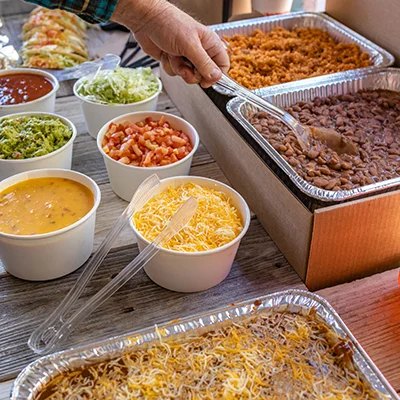
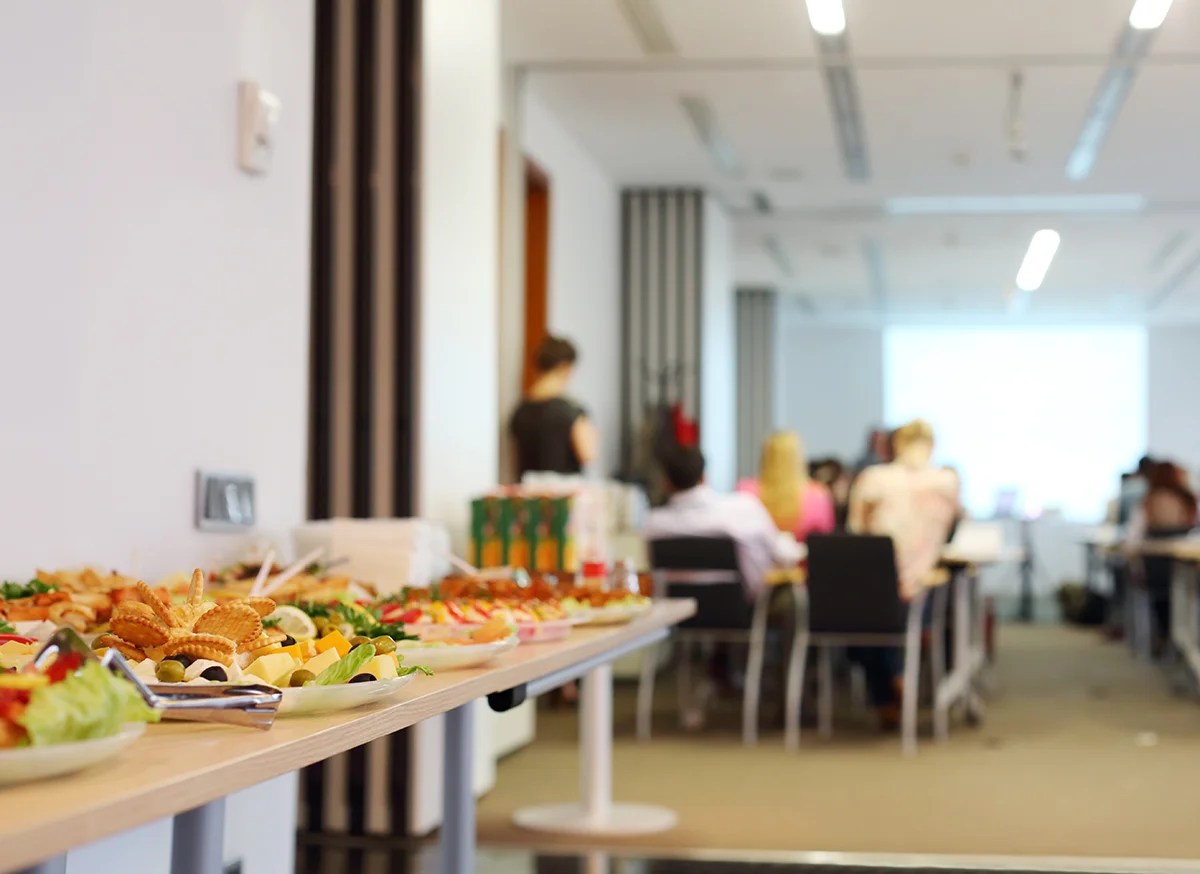
Lunch breaks are precious, which is why the food itself is half of what makes a session worth attending. Reward your team for showing up with a meal that feels like a perk.
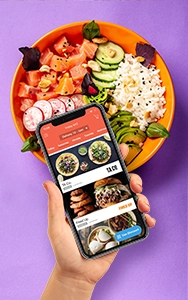
Fooda’s office lunch delivery and catering solutions make it easy for employees to pick from local restaurants they’ll get excited about, without you coordinating 20 individual orders.
You’re asking people to give up time they need to get their job done. Respect it. Cap the speaking portion so there’s real room for Q&A and connection. A session that runs long once teaches people to skip the next one.
Don’t schedule during your busiest weeks. Be thoughtful about cadence: monthly works for most teams, quarterly for smaller orgs, weekly only for specific high-velocity groups. Watch attendance and adjust.
Don’t leave remote team members staring at an empty conference room through a camera. A little prep makes virtual and hybrid sessions just as good (covered in detail below).
If your team is distributed across many locations, running a great lunch and learn simply requires a few different moves. Understanding why each one matters keeps remote team members as engaged as the in-office crowd.
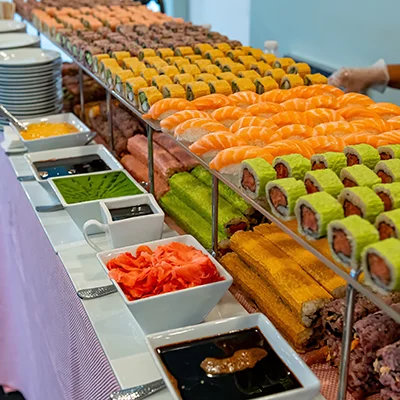
A great lunch and learn needs two things, compelling content and great food. Fooda makes it easy to get the best neighborhood spots through office lunch delivery or corporate event catering.
Feed your team from local restaurants they’ll get excited about - with dietary accommodations handled, individual ordering, and on-time delivery.