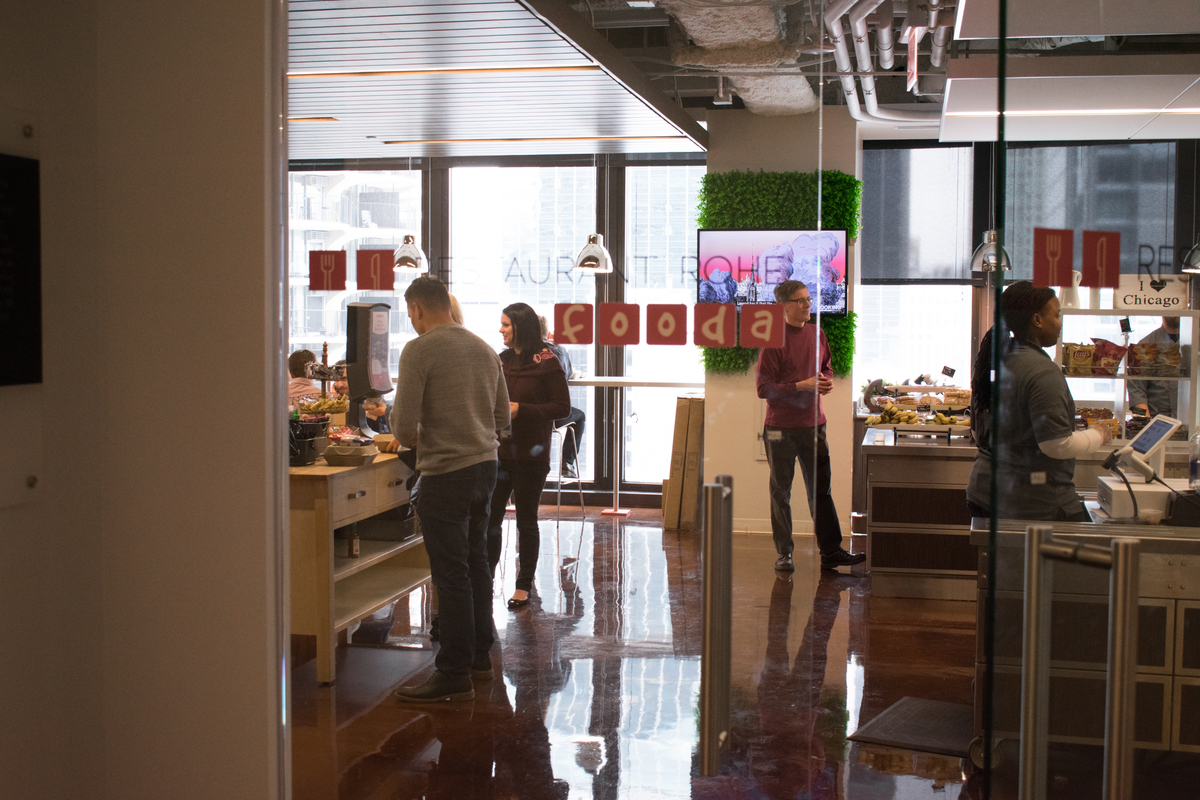
One of the most surprising trends in recent years is the rediscovery of just how effective onsite cafeteria programs can be. Not only do they provide convenient and cost-efficient ways to keep people fed, but they also create opportunities for social interactions and shared experiences that simply couldn't happen elsewhere. From the humble workplace dining program to boisterous university dining halls, organizations are starting to see the value in bringing people together to share a great meal.
Unfortunately, this sense of cafeteria camaraderie can be easy to ruin. Even when the food itself is delicious, the wrong service technology can create a frustrating and slow customer experience. That's why it's essential to invest in the right point-of-sale (POS) system for your cafeteria.
In this comprehensive guide, we'll walk you through everything you need to know about cafeteria POS systems. Let's get started.
Download our free Corporate Cafeteria RFP Template to get started immediately - complete with all essential sections, sample questions, and evaluation criteria.
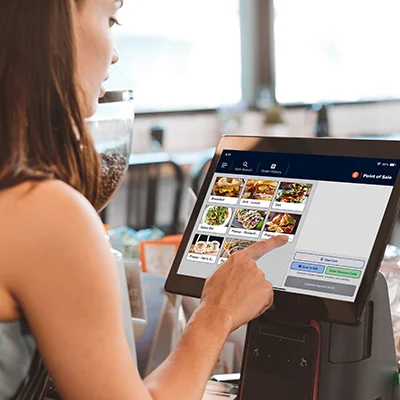
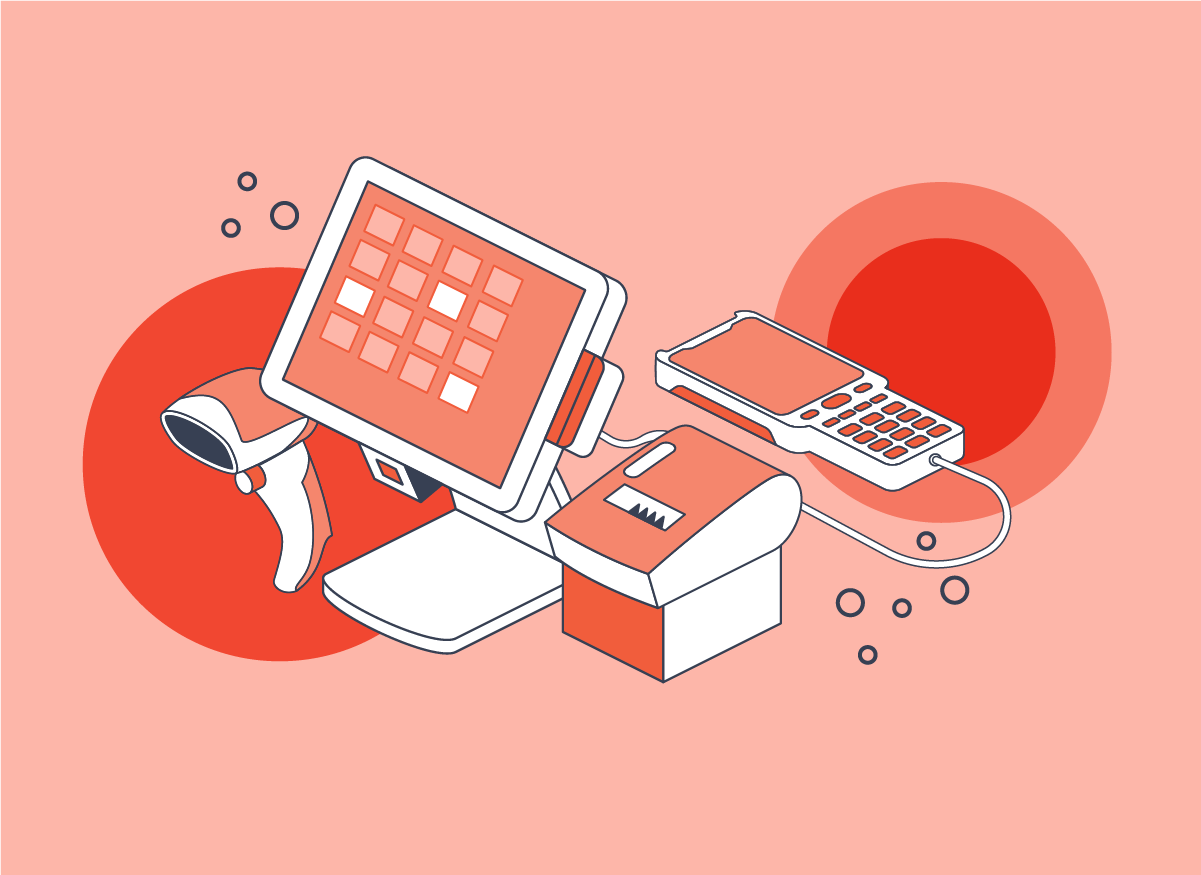
You might be tempted to think of a POS system as a modern version of an old-school cash register, but that's not the whole story. Both technologies do the basic work of handling payments and tracking sales, while also creating a record that can be used to manage inventory.
Unlike a traditional cash register, however, cafeteria POS systems offer a more robust set of tools that can be fully integrated with every aspect of the operation. They can be used to take pre-orders for pickup, manage loyalty and reward programs, and dynamically update menus. On the administrative side, these systems are capable of capturing a wealth of real-time purchasing and customer data. Some POS systems can even operate in self-service mode, providing a streamlined customer experience that reduces the need for dedicated cafeteria staff.
Because they require far less overhead, POS technologies can also be maintained and operated at a fraction of the cost of traditional payment systems. They can also be optimized by location. For example, college cafeteria POS systems and university cafeteria POS systems will often need to work with student meal plans. Hospital cafeteria POS systems, on the other hand, will need to accept standard payment options from guests while also incorporating any incentive programs used by staff.
Cafeteria POS systems are designed to provide efficient service to large groups of people with a limited amount of time to eat. Let's take a look at some of the specific areas where these systems shine.
The entire cafeteria experience is designed around high-volume traffic as quickly as possible. By using an optimized cafeteria POS system, organizations are able to serve more customers, and generate more revenue.
In the fast-paced crush of peak cafeteria hours, even losing a few seconds per customer to a confusing or slow checkout process can have a significant impact. No customer wants to wait in a long line because the cafeteria POS system is a pain to use.
Today's cafeteria customers expect to see a steady rotation of new menu items, exciting daily specials, and options for people with dietary restrictions. Cafeteria POS systems make adding items and modifying menus as intuitive and user-friendly as possible.
In our increasingly health-conscious society, it shouldn't be too surprising that many cafeteria customers prefer contactless payment options over traditional hand-to-hand cash transactions. Modern cafeteria POS systems support a range of touchless options, including app-based and QR code payment technologies.

Dedicated cafeteria POS systems provide several major benefits for any location where hungry people need to be served good food quickly. Consider the following key advantages for your location.

A cafeteria POS system is a serious investment for any organization, and it's important to know what you're looking for before you commit to one.
Cafeteria POS systems should offer a user experience that is as smooth, simple, and intuitive as possible. This not only speeds up the purchasing process, but it may even eliminate the need for a dedicated employee to ring up customers.
One of the most important functions for any POS system is providing real-time tools for tracking inventory levels. This is particularly important in a cafeteria setting, where ingredients have a limited shelf life. A cafeteria POS system should also be able to send out alerts when stock is running low, and provide tools for easily generating purchase orders.
From purchasing trends to customer preferences, POS systems can capture valuable data that simply can't be found anywhere else. POS platforms are capable of using these data points to generate detailed reports, allowing administrators to uncover new insights quickly and easily.
While a simple POS terminal might be sufficient for a small cafe with a limited and static menu, a cafeteria setting requires a more robust option. The best cafeteria POS systems make it easy to update menus, and to add special menus from onsite caterers and pop-up restaurants.
One of the hallmarks of a modern cafeteria POS system is the ability to support subsidy programs in a cost-effective and straightforward manner. The POS platform provider should also offer real transparency into subsidy use, following a cost-per-use model to ensure simplicity and cost-effectiveness.
Every customer has their own preferred method of payment, and a modern POS system should be fully capable of seamlessly accepting all of them. This not only includes everyday options, like mobile payment apps, credit cards and cash, but also site-specific options like employee rewards programs and college meal plans.
Great food is a powerful incentive for any workforce, and many organizations offer restaurant gift certificates and coupons as part of their rewards programs. Cafeteria POS systems should be fully integrated with these rewards programs, and even enhance them through options like in-app promotions.
Busy employees often need to grab a meal on the go. By pre-ordering through the cafeteria POS system's website or mobile app, they can be notified the instant their food is ready for pickup.
While self-service kiosks might not be appropriate for every site, it's an essential option that every business-grade POS system should offer.
Even the best cafeterias have room for improvement. By collecting customer feedback via the POS system, cafeteria administrators can continually refine and improve their dining experience.
When choosing a cafeteria POS system, it's important to consider your site's unique needs and priorities. To find the right fit for your organization, start by following this simple step-by-step guide.
Who are your customers, and how many of them will be dining in the cafeteria? How complex will your menus need to be? Will they all be eating meals at the same time, or will demand be spread out? The answers to these questions will vary dramatically by organization, and your cafeteria POS system needs to be suited to your specific use case. A cafeteria at a government building with a single mid-day meal break will have different needs from one at a university campus with a steady day-long stream of hungry students and faculty.
There are multiple vendors in the cafeteria POS system space, with some having more specialized products than others. As a result, there can be major differences in feature sets, customization options, hardware requirements, and price.
Before you reach out to vendors, determine your complete POS system budget. Include any implementation costs and equipment purchases that might not be directly related to the cafeteria POS system itself. Once you know exactly how much you have to invest, you can easily identify vendors offering the right mix of usability, service, and value.
Spend some time looking into how current and former customers feel about the POS systems that you're considering. Look for use cases that are relevant to your specific needs. If you are looking for a college cafeteria POS system, reviews of a hospital cafeteria POS system may be less helpful than reviews for a university cafeteria POS system. While online reviews can be a good starting point, it's better to talk to actual people with first-hand experience with these products.
Once you've determined a handful of potential vendors for your cafeteria POS system, reach out to the vendors for a demo. Don't settle for a simple presentation. A hands-on experience where you can test the actual software is far more valuable.
Now that you've narrowed your search, talk with your in-house experts about integrating these tools with your existing systems. What customizations will be needed, and what additional costs should be considered?
You've done the research, checked the reputations, and run the numbers. You've gotten buy-in from your internal stakeholders. Now it's time to decide the winner, and move forward with the right cafeteria POS system vendor for your site.
Organizations like yours should never be limited to off-the-shelf options from typical cafeteria POS system vendors. For the best results, it's essential to partner with a well-established company that specializes in developing bespoke solutions that match each customer's unique needs. That's where Fooda comes in.
For more than 15 years, Fooda has used cutting-edge technology to provide convenient and affordable onsite food services to customers throughout the country. We've created cost-effective onsite dining solutions for hospitals, universities, military posts, government buildings, and corporate locations of all sizes. While most cafeteria POS system providers focus almost exclusively on the technology, our proprietary technology combines mature in-house POS innovations with full-service cafeteria operations.
Ready to see what Fooda can do for your organization? Talk to our team to see how a Fooda cafeteria POS system can increase throughput, reduce costs, and improve the employee dining experience
Looking for quick answers to common questions about cafeteria POS systems? You've come to the right place.
It depends on your situation. A small cafeteria serving a limited menu to a handful of daily customers probably won't gain much from using a dedicated cafeteria POS system. That said, even a moderately busy cafeteria may see real benefits in terms of labor costs, improved ordering efficiency, and higher customer volume.
No. In fact, most dedicated cafeteria POS systems have been optimized to be as user-friendly as possible. This allows for more accurate ordering, faster payments, and a better customer experience.
Implementation costs can vary widely, depending on the software, the hardware requirements, and how much training is required to use it. Generally speaking, however, most POS systems are relatively inexpensive compared to traditional options.
Few things are more motivating to workers than a rewards program. When integrated with a cafeteria POS system and app, these rewards can take the form of coupons, free coffees, and company subsidized meals.