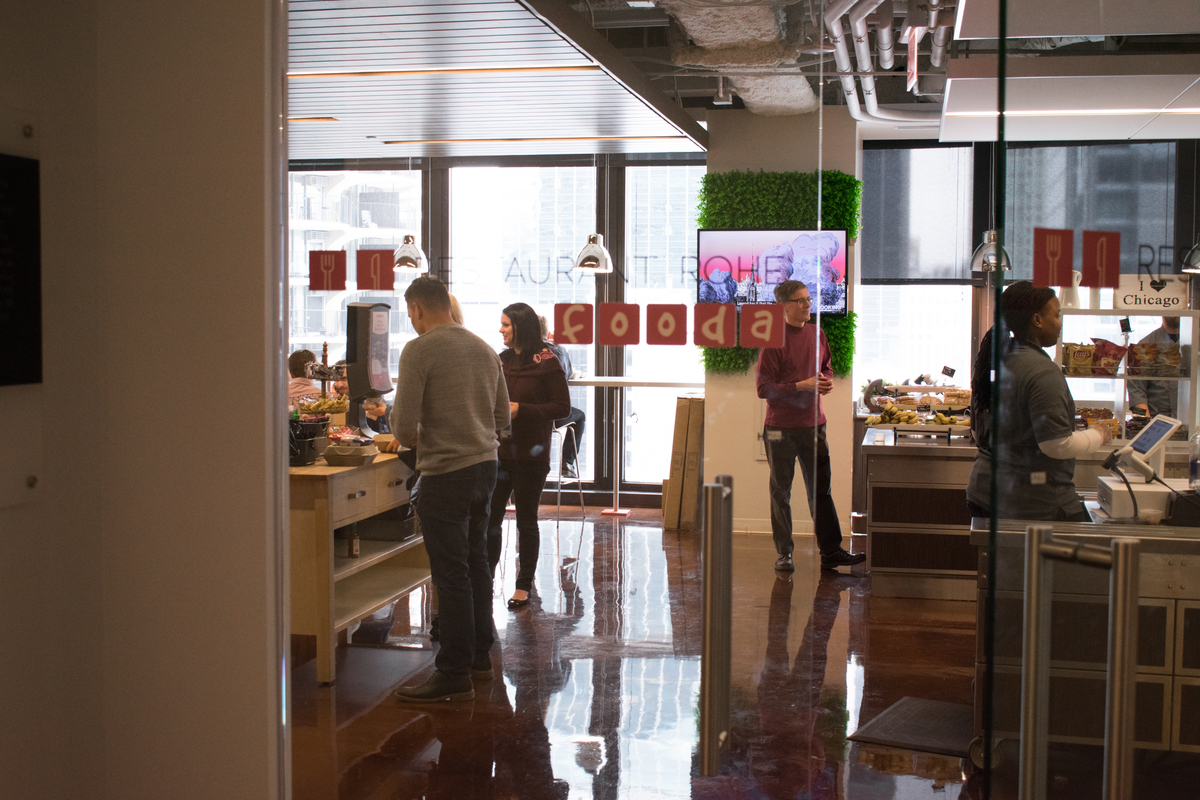
Picture this: You finally have time for lunch after a busy morning. You get to the cafeteria, and it’s crowded, with long queues at the register, where a cashier’s scrambling to take everyone’s orders. If you had to wait in line, it’d take at least 15-20 minutes before you get your food. That leaves you with little time to enjoy your meal.
That’s the reality for many employees, with 31% of workers spending 5-20 minutes waiting in line at the cafeteria. In fact, 24% even avoid visiting the cafeteria because of these long wait times.
What if, instead, employees could order food ahead of time and simply pick it up at a designated spot?
That’s where contactless dining solutions come in, letting you streamline office lunch flows and stand out during the employee dining experience. This post digs deeper into contactless dining technology and how you can successfully implement it for your office.
So what is contactless dining, really? More importantly, why should you consider implementing it for your office?
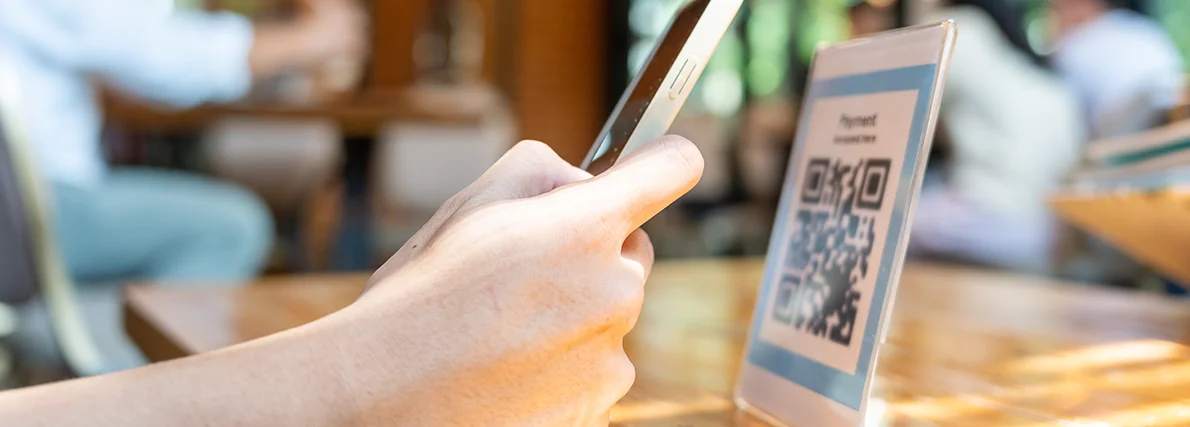
Contactless dining is a type of dine-in experience where the goal is to reduce physical contact between staff and diners. This means relying on technology that lets customers view the menu, place their orders, and pay for their meals – all without directly interacting with the staff.
Some examples of contactless dining technology include:
Beyond this, you can further reduce physical interactions through contactless pickup and delivery systems.
Contactless ordering and payment solutions soared in popularity at the height of the COVID-19 pandemic. With government mandates and health concerns compelling people to avoid physical contact, contactless dining became a new norm in restaurants and workplaces alike.
But what started out as a pandemic necessity has become a permanent expectation in corporate dining, as employees got used to the speed and convenience offered by contactless experiences. This is only natural, who truly wants to waste time waiting in line to order food when they could just pre-order it from an app and pick it up at their convenience?
For employers, contactless dining systems have also made a world of difference. Between easy data collection and giving their employees time back during their break, managing corporate dining programs is easier than ever with contactless technology.
Contactless ordering and payment systems make lunchtime easier and faster for employees while simplifying cafeteria management for employers.
With contactless dining, employees are putting in their own orders and paying for them digitally. So you don’t need to have a cashier manually collecting orders and processing payments at the register. This means you get to save on labor costs, which adds to your bottom line.
Contactless ordering technology automatically collects data on employees’ lunch orders. This makes it easy to keep track of their food preferences and identify order volume patterns - so you can plan lunch menus that they love and reduce food waste.
Notice a spike in orders for easy, grab-and-go meals on Mondays? Or employees ordering warm and hearty options toward the end of the year? Perhaps you’re getting more orders for certain cuisines over others? All of these insights can guide your menu planning.
When employees get good food at work, it improves their job satisfaction. Fooda’s latest “What’s Happening in the Workplace Now?” survey shows that getting delicious food with some variety would make the office experience better for employees.
Contactless dining systems also give you better data on spending, which will inform your budgeting. For example, you can get an overview of the average price of a meal to plan your subsidy program.
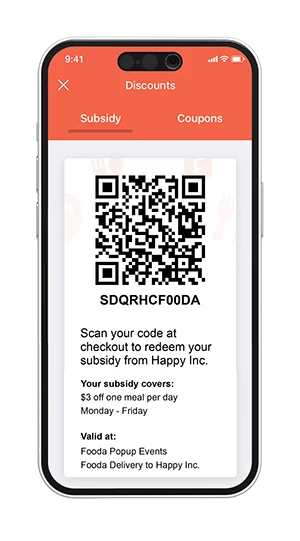
For companies that provide subsidized meals for employees, contactless ordering systems make it easier to track and manage the program. You can allocate a budget for each employee and credit meal allowances or stipends to their accounts. Employees can then redeem the subsidy using contactless payment options like QR code scanning.
Contactless dining systems mostly run on their own with minimal human involvement. Employees order their own meals, and the system automatically shares the order info with the cafeteria or restaurant. There’s no need for an admin to manually collect everyone’s orders and coordinate with the meal prep team.
Subsidies and lunch allowances can be scheduled to automatically be credited at a specific time. And the system keeps track of everything. So you can effortlessly run a corporate dining program without being hands-on.
Contactless dining solutions allow employees to be in control of the dining experience. They don’t have to wait in line, analyze a physical menu, recite their orders, or fumble with their wallet for payments.
There’s no back and forth, even when certain dishes are unavailable - they can see exactly what’s available, place their orders, and secure their meals in one swift process. With each employee managing their own lunch orders, they get faster service and save precious lunch hours.
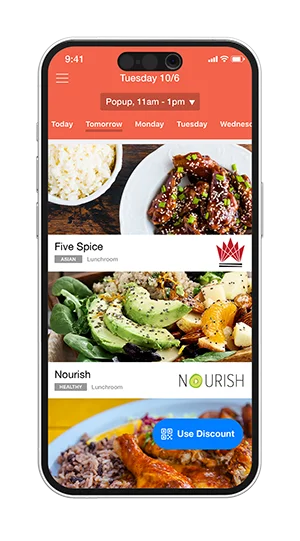
Contactless ordering systems come with digital menus and online food halls, where employees can see everything that’s available. So they have the freedom to browse menus in their own time and plan their meals in advance. That means no more panic-choosing at the counter while there’s a long line of people waiting behind.
Online ordering tools also make it easy to find meals based on each employee’s dietary preferences. Want gluten-free options? Or vegan variations? Employees can use filters to quickly narrow down options and find something that fits their unique needs.
The ability to order ahead adds to the convenience of contactless ordering systems. Employees can select the meals they want ahead of time and arrange for them to be ready when they go to lunch. All they have to do is pick up the order when it’s time to eat. So they don’t have to waste most of their lunch hours waiting for their food to be prepared.
Contactless dining programs also support flexible payment options, ensuring that employees can always get lunch even if they don’t have cash on them. They can use scan-to-pay options or pay for their meals with their digital cards or wallets. You can also set up self-checkout kiosks where they can swipe or tap to pay using their cards.
Once you’re ready to use contactless dining solutions in your workplace, there are several steps you should take to get you started off on the right foot.
First things first – you should provide easy access to menus so employees can place their orders online or through an app. This means creating an online menu that employees can browse on their mobile phones, usually with a dedicated food service app. You can also create custom QR codes that employees can scan to view the menu.
Make sure to connect this digital menu to your point-of-sale system. So when someone places an online order, it’s automatically sent to the cafeteria for food prep to begin.
Here are a few tips to create an online menu for a seamless ordering experience:
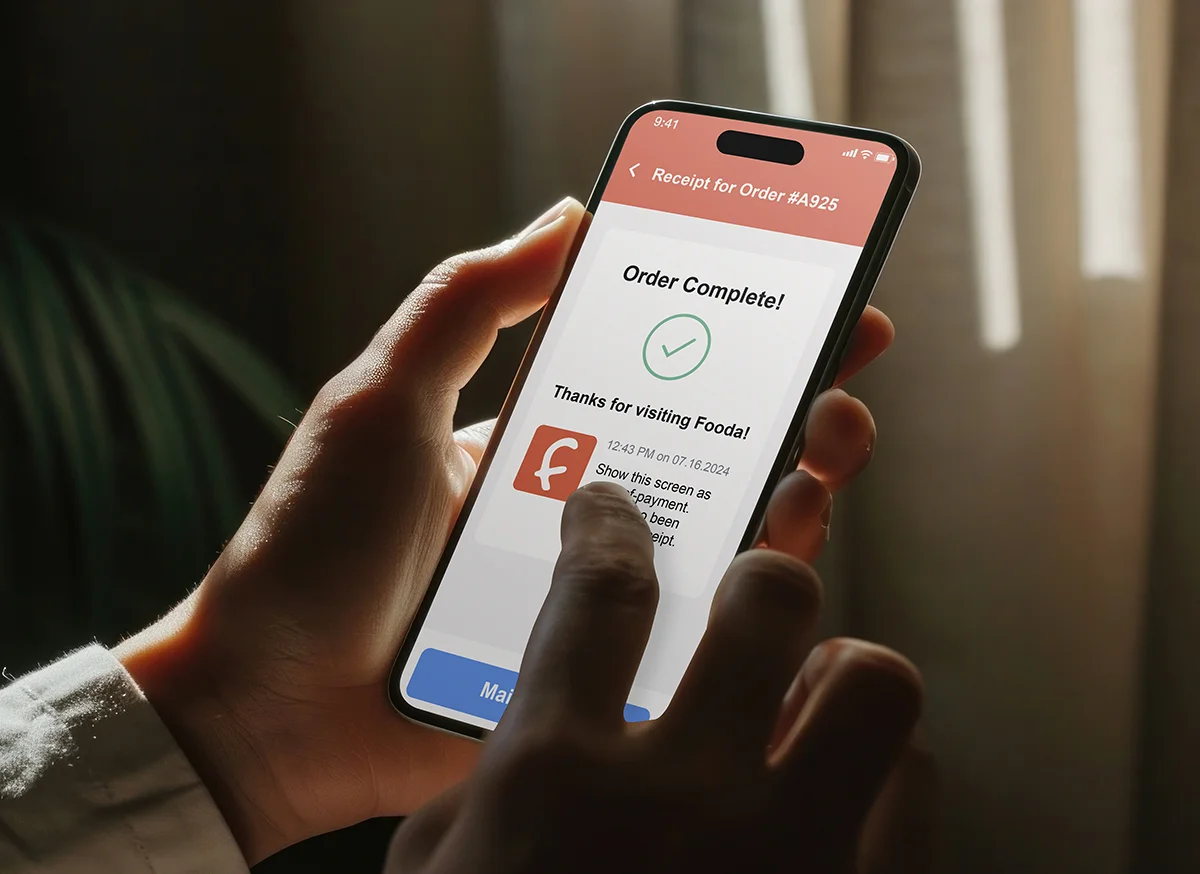
Make it easy for employees to plan their meals ahead of time so they can skip the lunch line. For instance, Fooda’s Mobile Order Ahead feature lets employees select and pay for their meals in advance. So they just have to show up when the food is ready instead of wasting most of their lunch hours waiting in line.
You can even send email updates letting them know what’s in store for lunch in the coming week. This gives them plenty of time to plan their meals and order ahead.
Contactless payment solutions offer flexibility and convenience for faster service. Set up contactless point-of-sale payment systems like tap-to-pay and scan-to-pay. So employees can quickly pay for their meal as they pick it up instead of having to wait for a cashier to manually run their card.
You could also offer the option to pay online as they place their orders. Additionally, using an app that allows for digital payments simplifies the process, especially for companies with a meal subsidy program. You can add allowances or stipends to their wallets so employees can easily use the funds to pay for their meals.
In addition, self-checkout systems are a great addition to your contactless dining solution. Having a checkout kiosk in the food hall and pantry makes it easy for employees to quickly get snacks or grab-and-go meals without needing assistance.
Fooda makes it even easier with a new Mobile Scan and Go feature!
To complete the contactless dining experience, you should also have a dedicated place for contactless pickup and delivery. If you’re ordering food from outside, you could arrange a spot where the driver can drop off the order without having to wait for someone to pick it up.
You could also have contactless pickup stations where employees can pick up their pre-ordered meal when it’s ready. This reduces the need for face-to-face interactions and long wait times.
Fooda’s expansive workplace food solutions let you streamline contactless dining in the office. With tech-driven ordering tools, you get to build a corporate food program that runs with minimal human involvement.

With Fooda, employees can browse menus and place meal orders using their mobile devices. The Fooda app lets them choose from a vast selection of cuisines from resident restaurants and dedicated popups, offering variety and flexibility.
So it’s easy to order ahead even when they’re in the middle of a meeting or an important work call. The app notifies them when the food is ready, and all they have to do is pick it up in the lunchroom and enjoy it.

Fooda’s technology streamlines your workplace food subsidy program, letting you easily add or delete members, increase or decrease the amount, and track usage in one place.
And subsidies are automatically applied in the Fooda app, so employees don’t have to manually claim them. They can even mix it up with other payment options. For instance, $8 employer-paid subsidy + $10 on Google Pay.
On that note, employees have multiple ways to pay for their meals with Fooda. Whether they want to prepay for mobile orders, scan a QR code to pay, or do a self-checkout at the pantry, the process is quick and contactless.
Fooda even lets employees pay for their food with reward points. The app comes with a built-in loyalty program so employees can earn reward points for every meal. They can then redeem these rewards for free food at any popup of their choice.

Fooda also offers contactless Office Lunch Delivery services, with a virtual food hall where employees can choose from a daily curated list of restaurants. Each employee orders their own meal and pays for it without having to coordinate with an admin.
A dedicated and pre-approved Fooda staff member will then bring the lunches directly to your office. Once the food arrives, employees get notified on the app. And they can simply pick it up from a convenient location without having to directly interact with the delivery driver.
Ready to bring contactless dining to your workplace? Explore Fooda’s workplace food solutions today.